

Z-report, sales and profit - no spreadsheet at closing time
What sold, who sold it, how they paid and what you actually earned. The data is already in the register - the reports are waiting in your browser.
Reports that help you decide
One dashboard, in the browser, from anywhere.
Sales report
Summary, daily breakdown and orders - filtered by date, employee and tender. CSV export in a click.
Z report and register close-out
Open with a float, close with a full breakdown. Surplus or shortage in black and white, PDF ready.
Sales by employee
Who sold how much, by period. The basis for commissions, shifts and the end-of-month talk.
Profit by product
Cost is stamped at the moment of sale - so March profit stays true even after April price hikes.
Payment reconciliation
The register reconciles processor charges against orders, daily. An orphan charge never waits for month-end.
Audit trail
Every register action, drawer openings included, in a signed journal. When you need an answer, it is there.
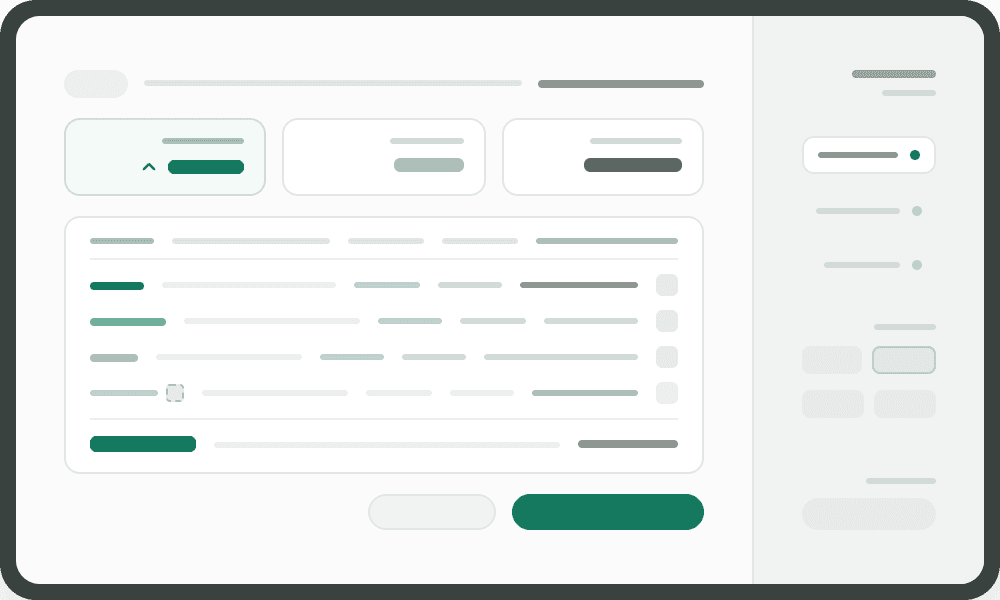
Real profit. Not an estimate.
Most registers show revenue. Popay also shows cost and profit - because the cost price is recorded on every item sold, at the moment of sale.
That means last month's profit report stays correct even if the supplier raised prices this week.
And if an item has no cost defined? The report says so explicitly, instead of making up a number.
- Profit and margin % for every product
- Filter by period and category
- Flag revenue with "no cost"
- Cost locked in at the moment of sale
No Excel required

Everything in one place
Sales, staff, payments and profit - same data, one screen. Nothing is copied by hand.
Export when you need it
CSV for sales, PDF for the Z-report, Excel for customer statements. Your accountant gets exactly what they need.
Questions about reports
Yes. The dashboard works in the browser, from any device.
The sales report covers any period you choose. The Z report is a specific register close-out: what was in the drawer, what came in, what was short.
The cost price of each item sold, as it was at the moment of sale, against the price paid. Items with no cost are flagged separately.
Yes. That's a setting in the dashboard.
Still have questions? Talk to our team.
Know what's happening in your store - without asking
Reports fill themselves from the first sale. Nothing to configure.
Book a demo